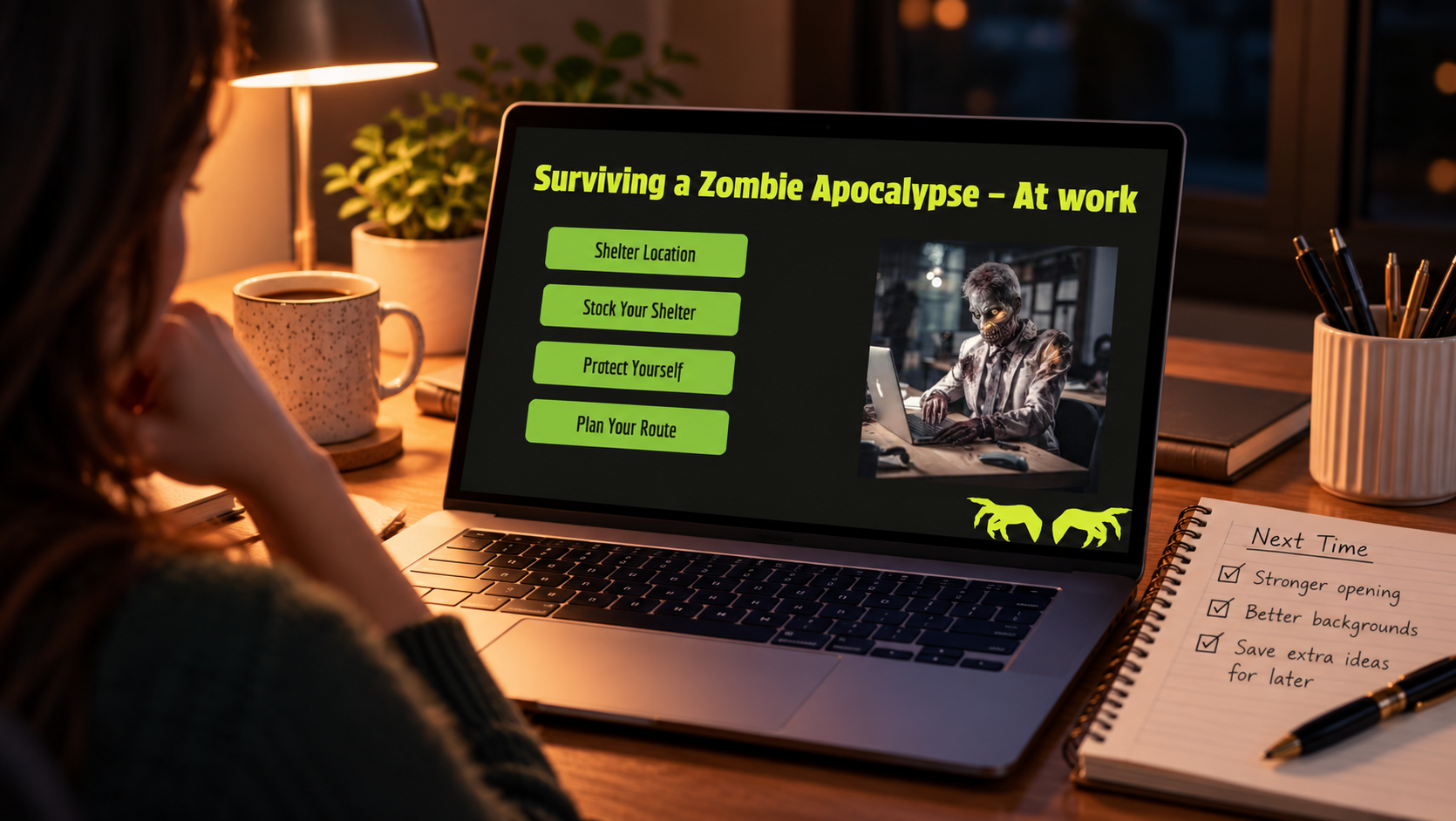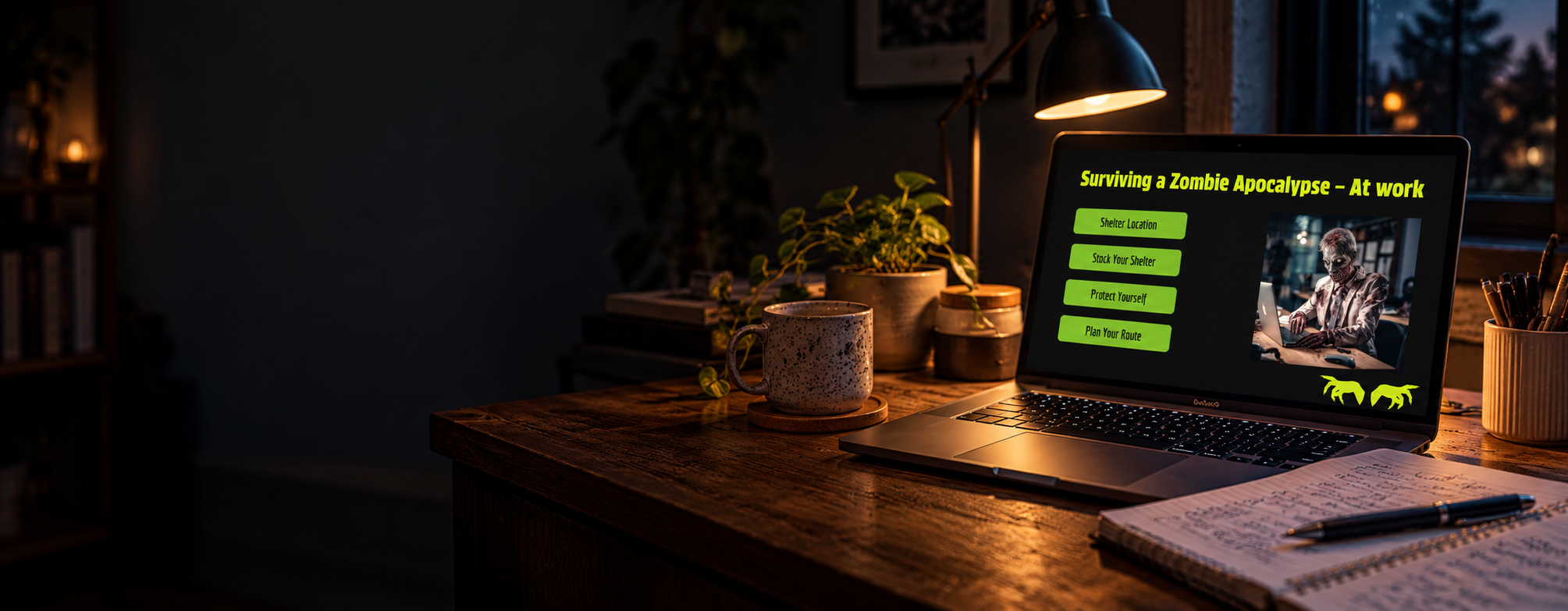
Surviving a Zombie Apocalypse at Work: Same Prompt. New Battleground.
📋The Overview
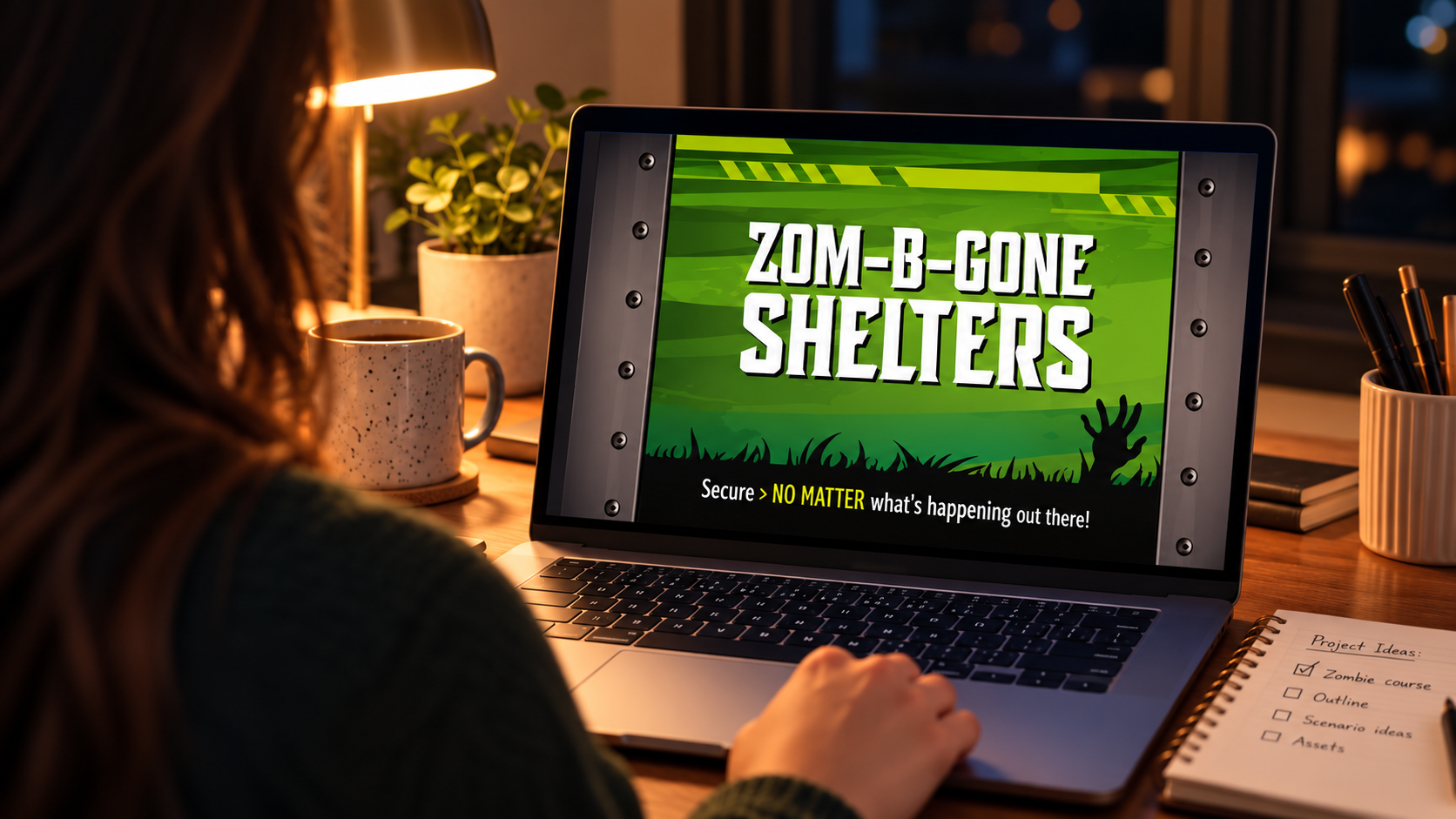
This project started with a monthly design challenge and a fictional client: Zom-B-Gone Shelters, a company selling zombie-proof bunkers to homeowners.
I read the prompt, thought about it for a while, and asked a different question. What if the apocalypse hit while you were at work?
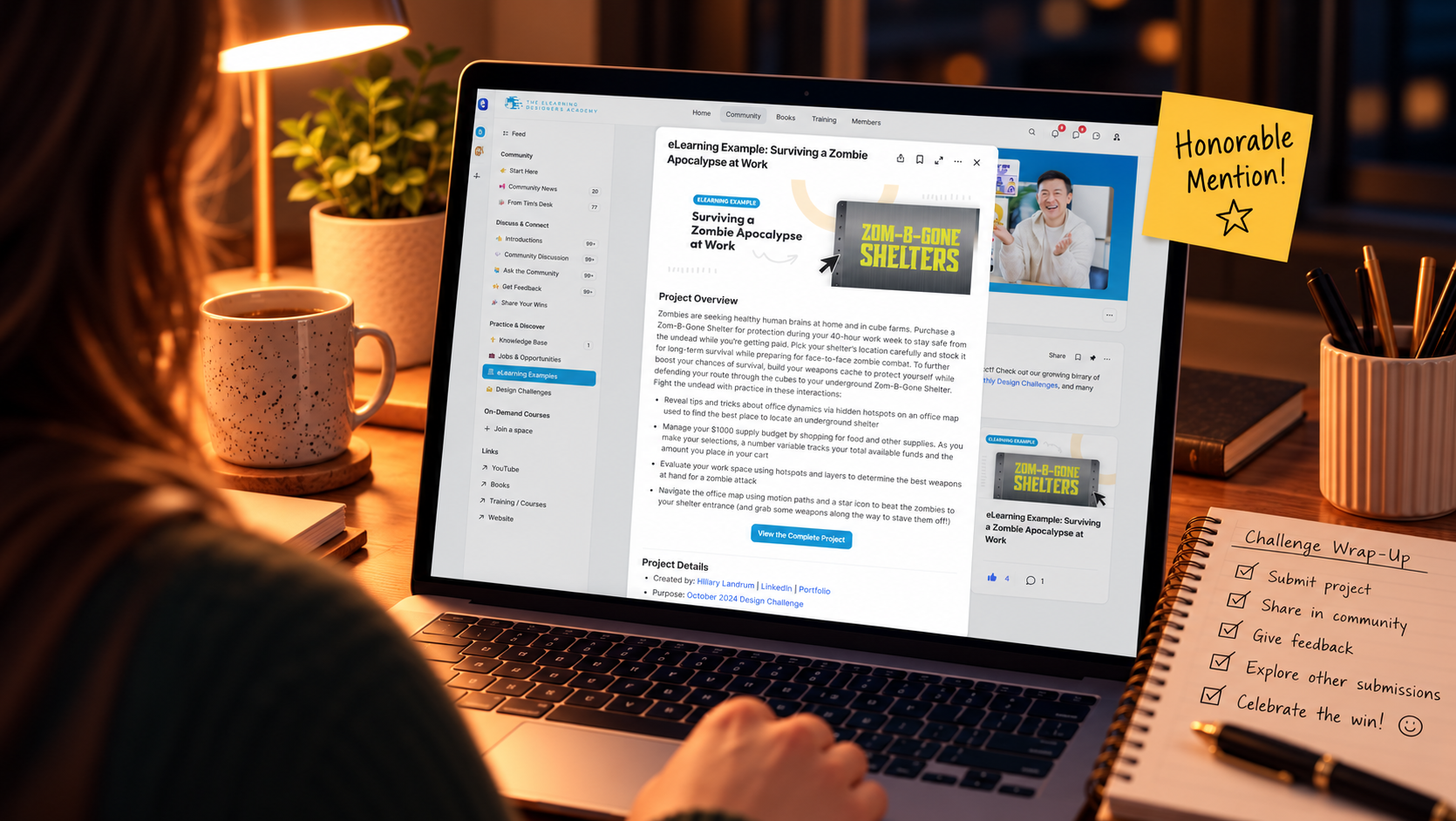
The result was a scenario-based Storyline course where learners pick a shelter location in their office, stock it on a budget, turn office supplies into weapons, and map their route past the undead. It earned an honorable mention and was later featured as an eLearning example on the Academy’s website.
⚡Quick Facts
Role: Instructional designer and developer, sole creator
Organization: The eLearning Designer’s Academy, October 2024 Design Challenge
Timeline: About 3 weeks, built on evenings and weekends
Tools Used: Articulate Storyline, Canva, ChatGPT
Outcome: Honorable mention; featured as an eLearning example on the Academy’s website
Live Project: Surviving a Zombie Apocalypse at Work
Skills:

🔍The Prompt
This project didn’t start with a business problem. It started with a design challenge prompt from The eLearning Designer’s Academy.
The brief asked designers to build a course for new Zom-B-Gone shelter owners who needed help stocking their shelters and defending themselves. The suggested objectives were written for laughs: master zombie impersonation, design booby traps with rubber ducks, build a runway-ready apocalypse wardrobe.
The prompt was fun. But funny objectives don’t make a course. Learners still need clear goals, real decisions, and feedback that teaches.
So I made two changes before I built anything:
I moved the apocalypse to the office. Everyone spends eight hours a day at work. A familiar setting made the scenario more relatable, and a lot funnier.
I rewrote the objectives so they were measurable, while staying inside the challenge’s parameters.
📊The Research
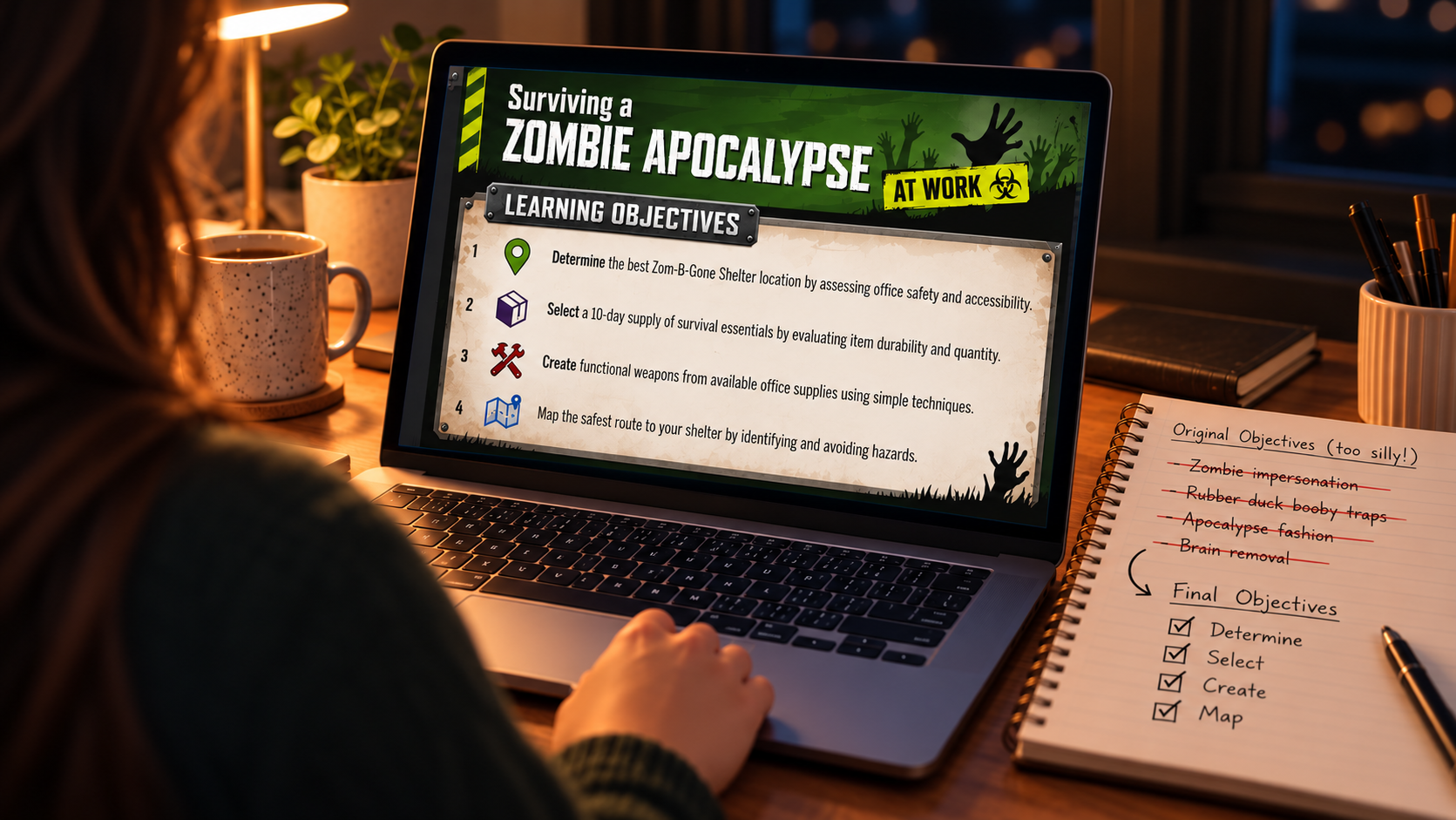
I started with the challenge brief, the Zom-B-Gone style guide and brand assets, and the reference materials provided. Then I turned the playful objectives into four that could guide every design decision:
Determine the best shelter location by assessing office safety and accessibility
Select a 10-day supply of survival essentials by evaluating durability and quantity
Create functional weapons from available office supplies
Map the safest route to the shelter by identifying and avoiding hazards
Every interaction in the course traces back to one of these.
🔀The Options
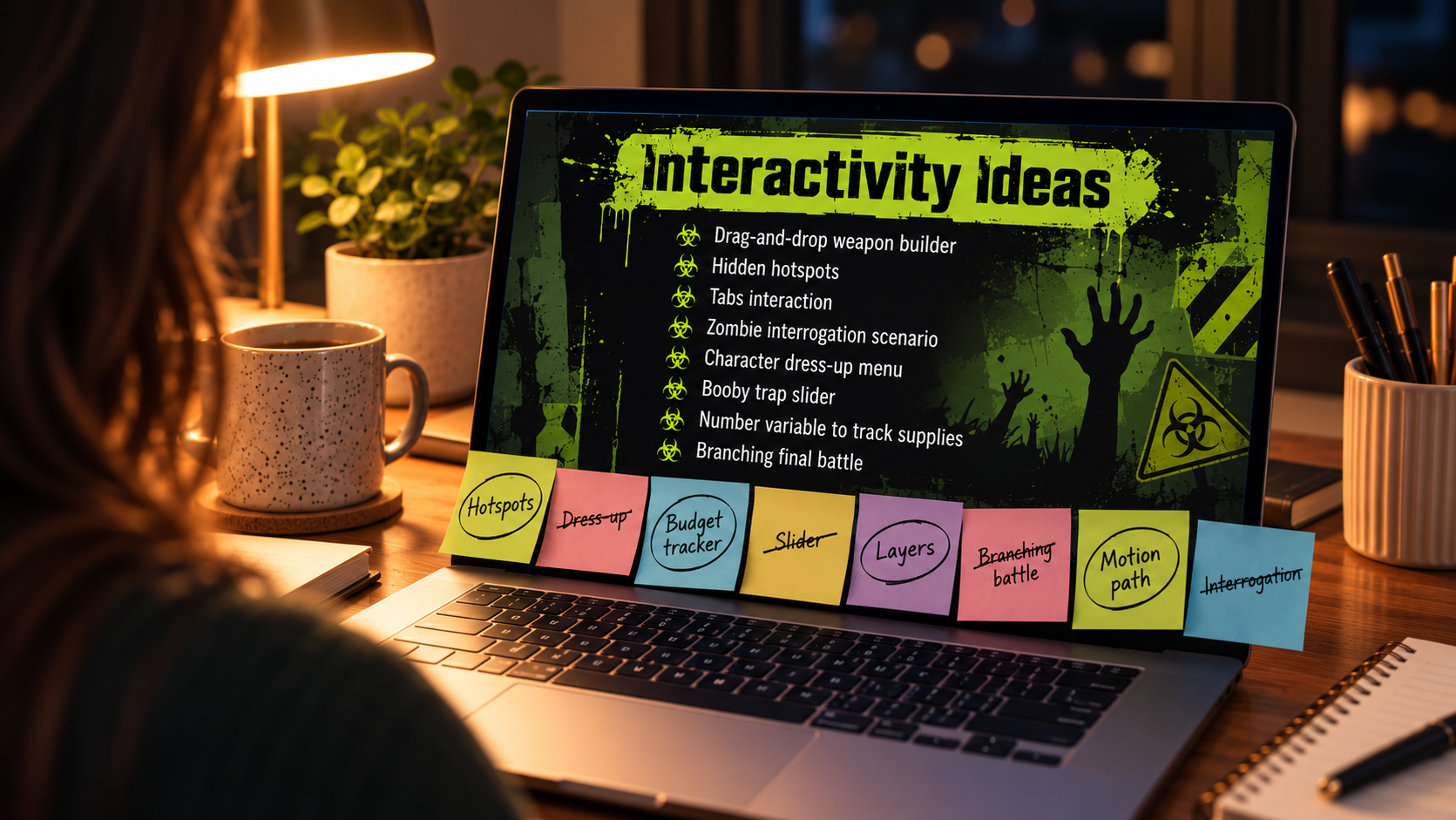
The challenge offered a long list of possible interactions: drag-and-drop weapon builders, hidden hotspots, tabs, sliders, branching battles, character dress-up menus. There was no way to build them all in a month, so I had to choose:
Build as many interactions as possible. Impressive on paper, but likely shallow and rushed.
Build one big branching scenario. Engaging, but it would only cover one or two objectives.
Match one strong interaction to each objective. Fewer features, but each one built to teach something specific.
I chose to match interactions to objectives, and scaled back my ideas as needed to fit the time frame.
🗺️The Plan
Start with a storyboard. Build the story around one office map.
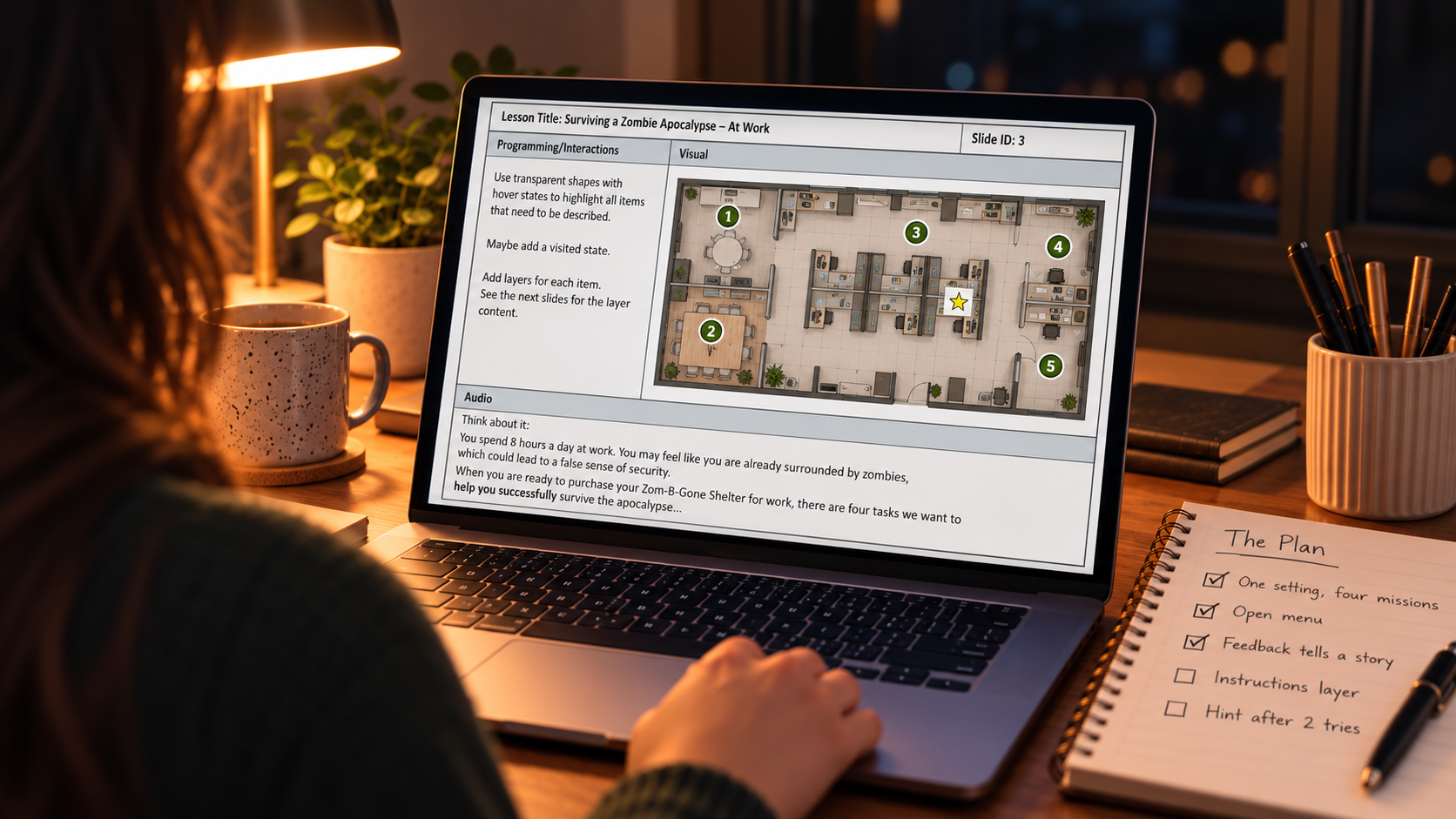
Before opening Storyline, I mapped out every slide, layer, interaction, and sound effect in a full storyboard. It became the blueprint for the entire build.
One setting, four missions. Shelter Location, Stock Your Shelter, Protecting Yourself, and Planning Your Route.
An open menu. When someone buys a shelter, they come with their own reason and their own questions. Forcing them through a full pitch they don’t need doesn’t help. So learners could explore the missions in any order, starting with whatever mattered most to them.
Feedback that tells a story. Every wrong answer got its own short scene explaining why it fails. Karen asks too many questions. The restrooms are already taken by people hiding. The water cooler draws a crowd.
Support without hand-holding. An instructions layer learners could open only if they needed it. Visited states so they knew where they had been. A hint after two wrong choices.
Outside eyes. A friend reviewed the storyboard, and I stepped back and reviewed it myself, leaving notes for changes. Some ideas grew, and others were scaled back to fit the time frame.
🔨The Build
Week one: the storyboard. I scripted every slide, layer, and sound effect, from the opening graveyard scene to the feedback for each shelter location.
Week two: the visuals. I built the slides in Storyline, designed graphics in Canva, and used ChatGPT to generate an image or two I couldn’t create myself. I also used it for feedback on wording, not to write the content. The voiceover used Storyline’s built-in voices, and I sourced sound effects from stock sites: a jet for the always-absent boss, crickets for the abandoned janitor’s closet, a toilet flush for the restrooms.
Week three: the programming. This is where the real work happened.
The office map: hidden hotspots with hover and visited states, plus layers revealing office dynamics
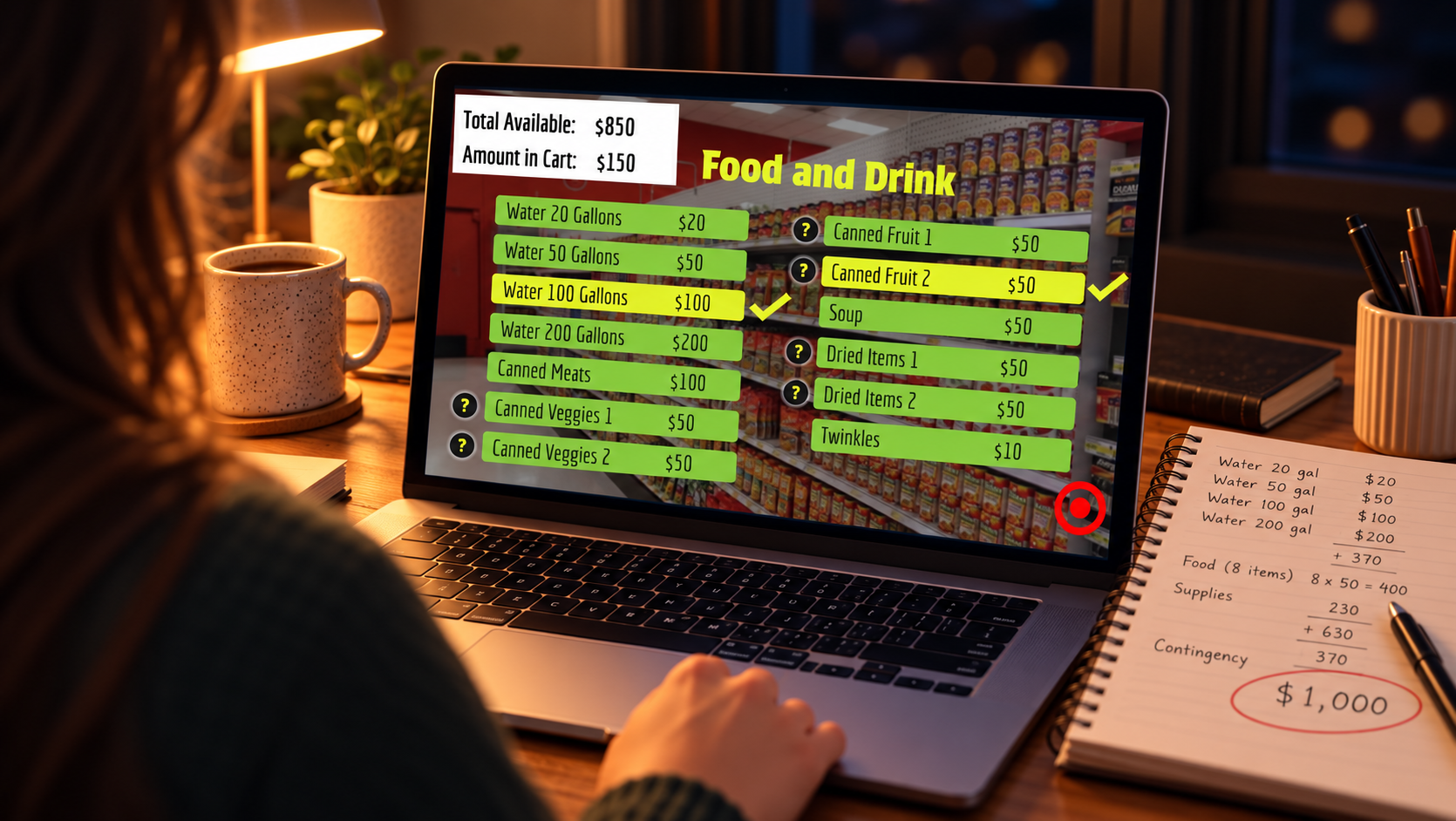
The shopping cart: a $1,000 budget with number variables tracking available funds and cart totals
The workspace: hotspots and layers to find the best weapons within reach
The escape route: motion paths moving learners across the office map to the shelter entrance, grabbing weapons along the way
The shopping cart was the hardest part. It broke more than once, and getting the calculations to work the way I needed took longer than I expected. But it works, and it ended up being one of the most talked-about pieces of the course.
The deadline landed while I was on a work trip, so the final round of troubleshooting happened late into the night before I submitted.
🎯The Outcome
The course earned an honorable mention in the October 2024 challenge. In the recap video reviewing the winner and honorable mentions, the course was recognized for its interactivity and for being fun to take.
It was also later featured as an eLearning example on the Academy’s website.
A fellow designer left this comment on my submission:
“I really liked the interactions. I am inspired to learn how to build the shopping cart. Well done!”
The piece I struggled with most became the one that inspired someone else to learn.
💡The Reflection
A fun prompt still deserves a real design. Rewriting the objectives first gave every interaction a purpose, and the humor worked because it sat on top of something solid.
If I built it again, I would invest more in the opening. The story works, but the beginning could do more to pull learners in before the first mission. I would also upgrade some of the background images. They did the job, but they could have done more to set the scene.
And I learned something about scope. I had more ideas than time, and cutting some of them is part of why the ones that made it in work so well.